If you’re wondering whether AI can help you build an Android app without coding like a professional developer, the short answer is YES.
But here’s the truth most people won’t tell you:
👉 AI can’t build a perfect app alone…
but it can help you create 70–90% of the app faster, simpler, and cheaper.
I’ve built apps using AI tools like ChatGPT, Gemini, and no-code platforms — and in this guide, I’ll share everything you need to know so you can do the same.
Let’s break it down in a simple, practical way.
What AI Can (and Cannot) Do When Building an Android App
AI is not magic. It’s a powerful assistant.
Here’s what AI can do:
✅ 1. AI can generate full app code
You tell ChatGPT:
“Create a BMI Calculator Android app in Kotlin.”
AI gives you:
- XML layout
- Kotlin activity code
- Buttons
- Functions
- Logic
You can paste it in Android Studio and run it.
✅ 2. AI can fix your errors
If you get an error, copy the error -> ask AI -> get the solution.
This saves HOURS.
✅ 3. AI can create UI designs
You can ask:
“Give me a modern UI layout for a notes app.”
AI gives XML designs + UI structure.
✅ 4. AI can help you publish to Play Store
Including:
- App description
- Screenshots ideas
- Privacy policy
- Permissions explanations
✅ 5. AI can help non-coders build apps
Using:
- Glide Apps
- Bubble.io
- AppyPie
- Kodular
- Adalo
These are drag-and-drop app builders powered by AI.
What AI Cannot Do (Reality Check)
❌ AI cannot create a perfect app alone
You will still need:
- Testing
- Tweaks
- Fixing layouts
- Real-world performance checks
❌ AI cannot understand your user behavior
Only humans can decide:
- What users want
- What problems the app solves
- What features to keep/remove
❌ AI cannot publish the app for you
You must handle Play Console yourself.
How to Use AI to Build Your First Android App (Step-by-Step)
Here’s the same workflow I use:
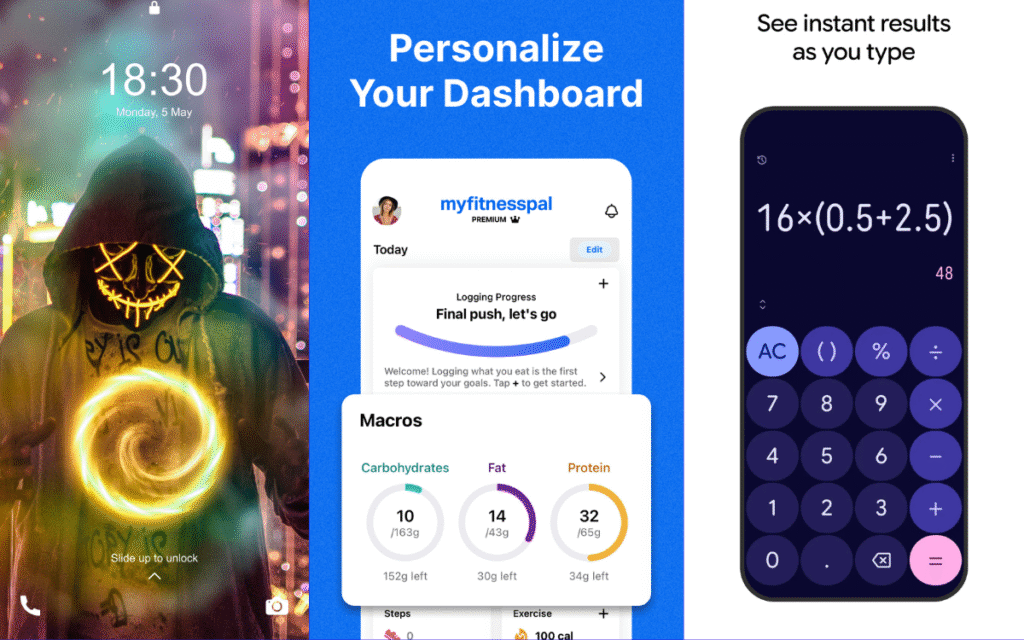
Step 1: Decide the App Type
Choose something simple:
- Calculator
- Notes app
- Wallpapers app
- Fitness tracker
- Travel checklist
- Daily motivation quotes
- Expense tracker
Simple apps are best when you start.
Step 2: Tell AI Exactly What You Want
Use detailed prompts.
Example prompt:
“Create a simple to-do list Android app in Kotlin using Android Studio.
I want:
– Add task
– Delete task
– Save tasks using Room database
– Modern UI with XML
– Light blue theme”
The more details → the better output.
Step 3: Copy Code to Android Studio
AI gives you files like:
- activity_main.xml
- MainActivity.kt
- colors.xml
- themes.xml
Paste → Compile → Run.
If something breaks?
Just copy the error → send to AI → get fix immediately.
This is what 95% new developers do.
Step 4: Improve UI Using AI
You can ask:
“Modernize this layout using Material Design.”
AI will rewrite your UI with:
- Cards
- Rounded corners
- Better spacing
- Colors
- Styling
Step 5: Test Your App
Use a real device.
Check:
- Crashes
- Layout issues
- Button responsiveness
Step 6: Ask AI for App Icon + Branding
AI can generate:
- Logo concept ideas
- Color palette
- App screenshots
- Tagline
- Description
- Play Store SEO
This saves SO MUCH TIME.
Step 7: Publish on Play Store
AI can guide you through:
- Building APK/AAB
- Creating privacy policy
- App signing
- Content rating
- Store listing optimization
Best AI Tools for Android App Development
Here are the tools I personally recommend:
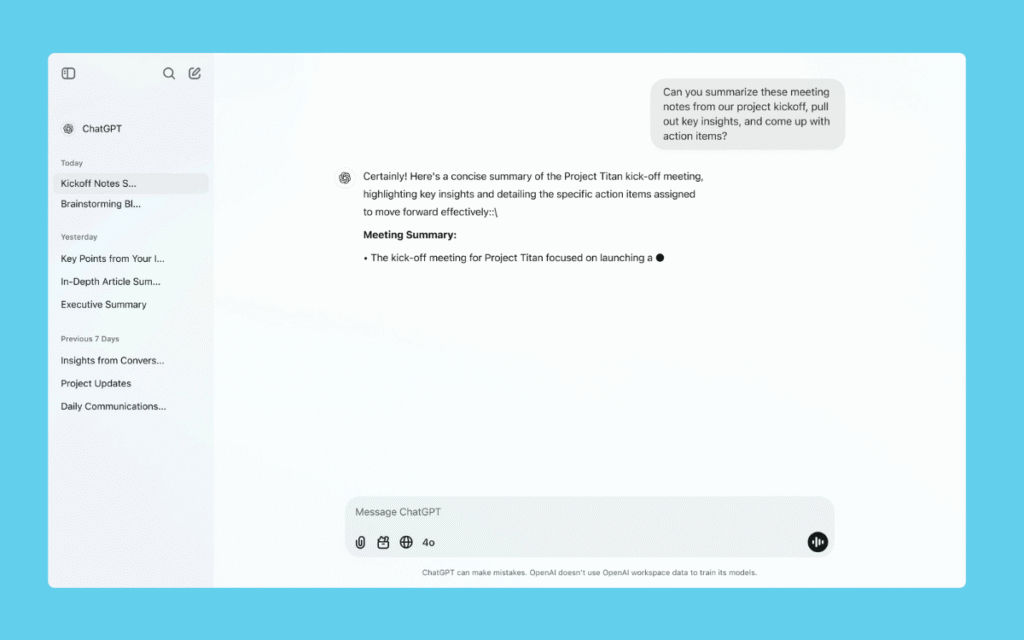
1. ChatGPT (your coding partner)
Best for:
- Writing code
- Fixing bugs
- Generating UI
- Explaining errors
2. Gemini / GitHub Copilot (smart coding assistant)
Works inside your IDE.
3. No-Code AI App Builders
For beginners:
- Glide Apps
- Adalo
- Kodular
- MIT App Inventor
- Bubble.io
You can build full apps without touching code.
4. AI Design Tools
For UI/UX:
- Figma AI
- Canva AI
- Uizard
Apps You Can Build With AI (Beginner Friendly)
AI can help you make these quickly:
⭐ Quotes App
⭐ News App
⭐ Wallpaper App
⭐ Notes App
⭐ Habit Tracker
⭐ Expense Manager
⭐ Fitness Workout List
⭐ Diet Planner
⭐ Translator App
⭐ Travel Checklist
⭐ BMI Calculator
These apps are easy → great for AdMob earnings too.
Is AI Good Enough to Replace Developers?
No. But it makes beginners create apps faster.
AI = Assistant
Developer = Driver
If you combine both → you become unstoppable.
Final Answer: Can You Use AI to Build an Android App?
✔ YES — you can build an app even without coding knowledge.
✔ YES — you can create full app code, UI, icons, and features using AI.
✔ YES — AI reduces development time from weeks to hours.
But remember:
👉 AI helps you build the app
👉 YOU decide the idea, quality, design, features, and final touches
That’s the winning combination.